 Billbook
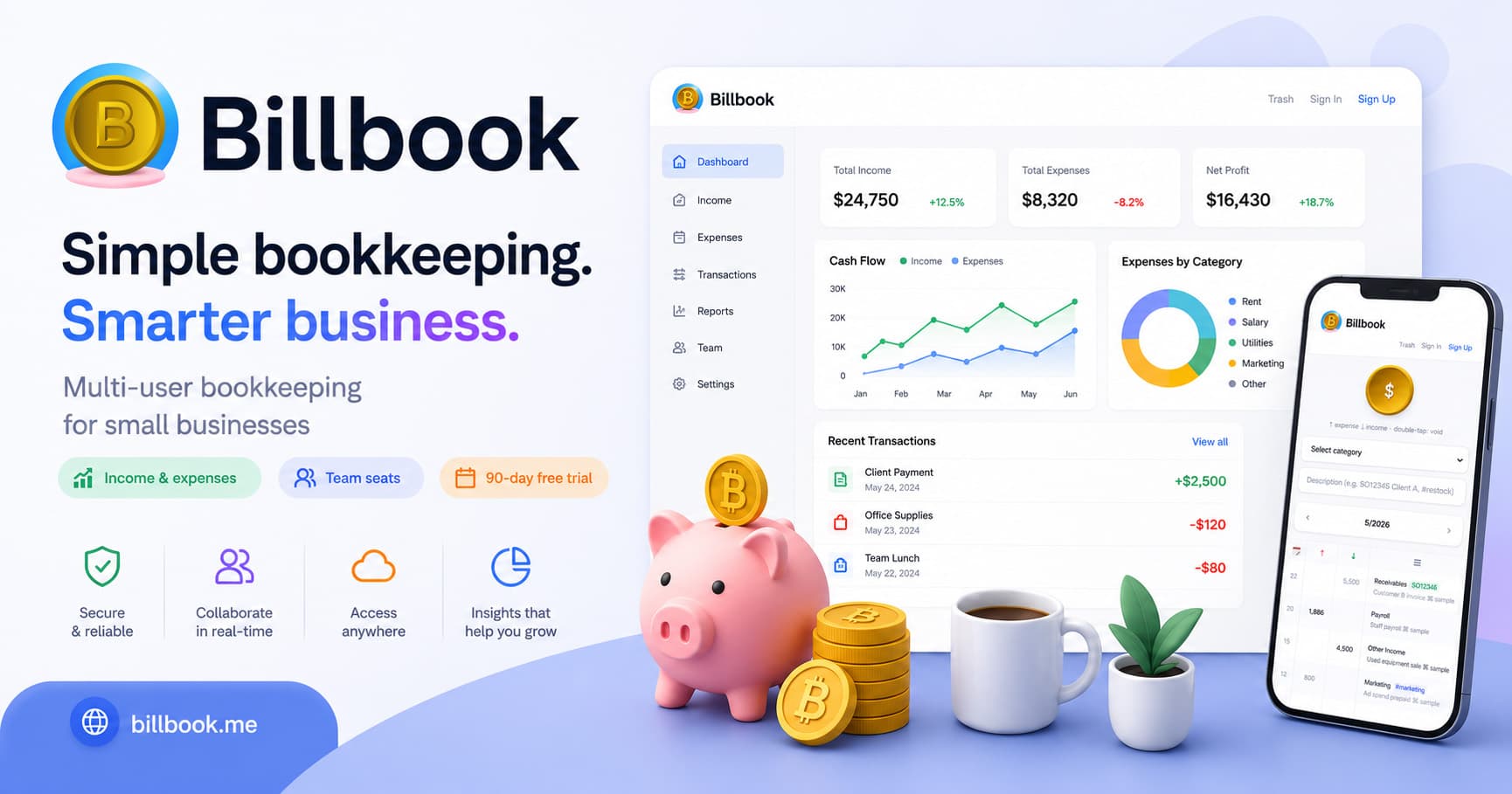
The multi-user cloud bookkeeping app for small businesses
Bookkeeping plus a simple POS register in one place. Owners, bookkeepers, and staff stay in sync — even offline.
Sound familiar?
Still passing Excel files around? The versions never match
Everyone edits their own copy and nobody knows which one is current.
One system for the register, another for the books? Reconciling by hand every day
Copying register totals into a ledger after closing is slow and error-prone.
Entries made on your phone gone when you switch computers?
Data locked to a single device disappears the moment you change or lose it.
Everything a small shop needs
A cloud ledger built for small businesses — from ringing up sales to closing the books.
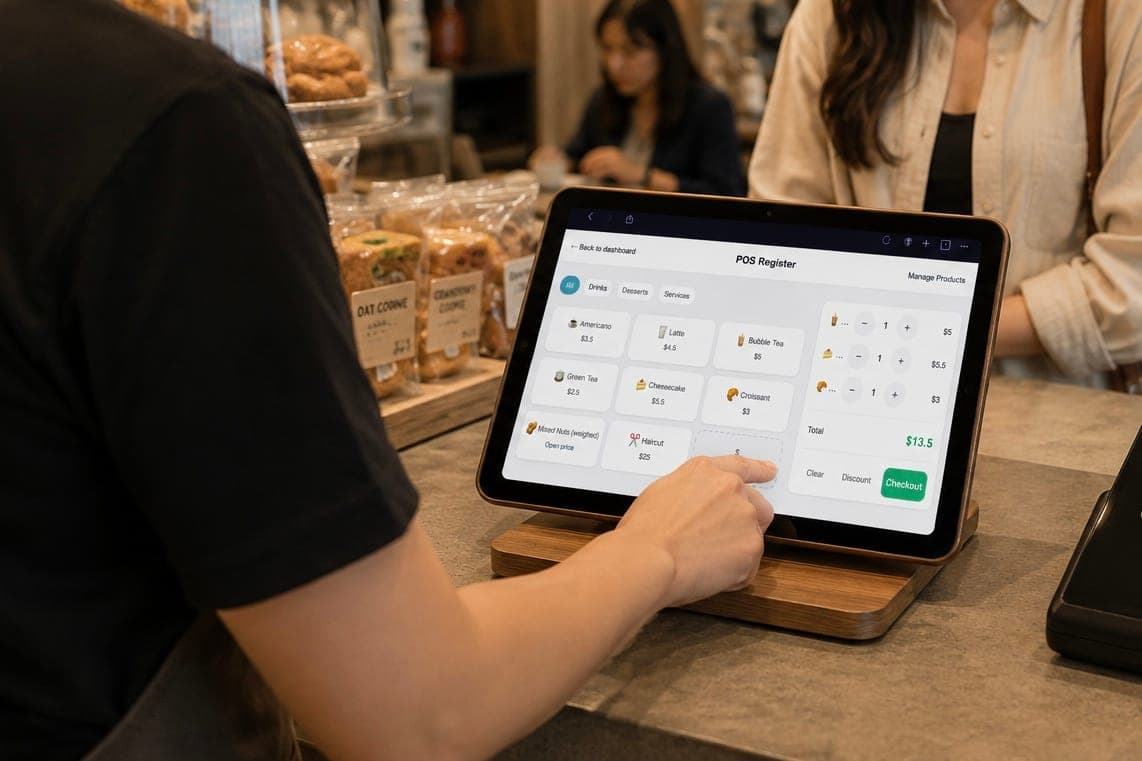
Simple POS register
Set up your products, tap to ring up sales, and every checkout lands in your books automatically — no separate reconciliation.
Real-time collaboration
Your whole team records entries at once, and every one syncs instantly to all devices.
Role-based permissions
Admins, bookkeepers, and staff each get the right access — staff record entries, owners see everything.
Simplified categories
11 built-in categories designed for small businesses — no accounting background needed, and fully customizable.
Works offline
Keep recording without a connection; everything syncs automatically once you are back online. Great for stalls and markets.
60-day trash
Deleted entries can be restored any time within 60 days.
40+ languages
An interface in more than 40 languages — a fit for small international teams too.
Category charts
Monthly income and spending roll up into a category pie chart, so you see where the money goes at a glance.
CSV export & backup
Export your books to CSV any time — for backups or your accountant. Your data is never locked in.
Who uses Billbook?
Food stalls & small eateries
Ring up orders on the POS out front while the books update themselves in the back — no reconciling after closing.
Studios & freelance teams
Track project income and material costs by category, and see each month at a glance.
Small e-commerce teams
Split the work of recording inventory, ad spend, and platform payouts — synced in real time so nothing slips.
Non-profits
A clear trail for income and spending, recorded together — easier transparency for your donors.
Simple, transparent pricing
Anonymous mode is free forever. Sign up for a full-featured 90-day trial, then pick a monthly or yearly Team plan (3 seats included, extra seats available). No credit card required to start.
See plans & pricingFrequently asked questions
Is Billbook free?
Yes. Anonymous mode is free forever, with all entries stored on your own device and no sign-up required. Creating an account starts a free 90-day trial of the full multi-user cloud bookkeeping features, and you only pick a paid plan afterwards — no credit card needed.
What can the POS do? Does it cost extra?
The built-in simple POS lets you set up products, tap to ring up an order, and check out — each sale is automatically recorded as income in your cloud ledger. Small shops get a register without buying a separate POS system or reconciling by hand, and it is included in every plan at no extra cost.
How many people can use it together?
The Team plan includes 3 seats, so an owner, a bookkeeper, and staff can share one cloud ledger at the same time, and you can add extra seats as you grow. Role-based permissions keep multi-user bookkeeping tidy.
Can I keep selling and bookkeeping without internet?
Yes. Billbook is offline-first: bookkeeping and the POS register keep working with no connection, entries are saved on your device, and everything syncs back to the cloud ledger automatically once you reconnect — ideal for markets and pop-ups.
Is my data safe? Where is it stored?
Cloud ledger data is stored in a Supabase (PostgreSQL) database, encrypted in transit, with access controlled by organization and role permissions. In anonymous mode your data stays on your own device and is never uploaded.
What if I delete something by mistake?
Deleted entries go to the trash and stay recoverable for 60 days before being permanently removed. With several people in one set of books, the trash is your safety net against accidental deletes.
Which languages and currencies are supported?
The interface ships in more than 40 languages (including English, Traditional and Simplified Chinese, Japanese, and Korean), with the amount symbol following your language. Paid-plan prices are shown in the currency commonly used in your region.
What kinds of shops or teams is it for?
Any team that wants simple small-business bookkeeping with collaboration: food stalls and cafés can use the simple POS as their register, studios and small e-commerce teams can keep shared books, and non-profits can track income and spending clearly.
Start now and get your books in order
Start free
© 2005-2026 VAWIDEA Inc.
繁體中文简体中文English日本語한국어EspañolPortuguêsFrançaisDeutschItalianoNederlandsTiếng ViệtภาษาไทยBahasa IndonesiaTürkçeहिन्दीPolskiFilipinoSvenskaDanskNorskSuomiBahasa MelayuالعربيةעבריתРусскийČeštinaУкраїнськаRomânăΕλληνικάMagyarفارسیবাংলাKiswahiliગુજરાતીதமிழ்తెలుగుاردوភាសាខ្មែរမြန်မာລາວ